Best Money Apps: Your 2026 Budgeting Toolkit
The right money apps turn your phone into a personal finance command center. In 2026, you can budget, save, invest, split bills, and track every dollar without touching a spreadsheet. The challenge is not finding an app — it is choosing the handful that actually fit your goals. This toolkit breaks down the categories that matter and how to combine them.
Whether you want to crush debt, automate savings, or finally understand where your paycheck goes, there is a money app built for the job. Let us build your 2026 stack the smart way.
Why the Best Money Apps Beat a Spreadsheet
Spreadsheets are powerful, but they rely on you remembering to update them. Money apps sync automatically with your accounts, categorize spending, and send alerts the moment you drift off plan. That automation is what makes them stick.
They also surface patterns you would otherwise miss — the slow creep of subscriptions, the weekend overspend, the forgotten annual fee. Seeing the data in real time changes behavior fast.
What to look for
- Bank-level encryption and two-factor login.
- Automatic transaction syncing and categories.
- Clear fees — ideally free or low cost.
- Features that match your actual goal, not just flashy extras.
Budgeting and Tracking Apps
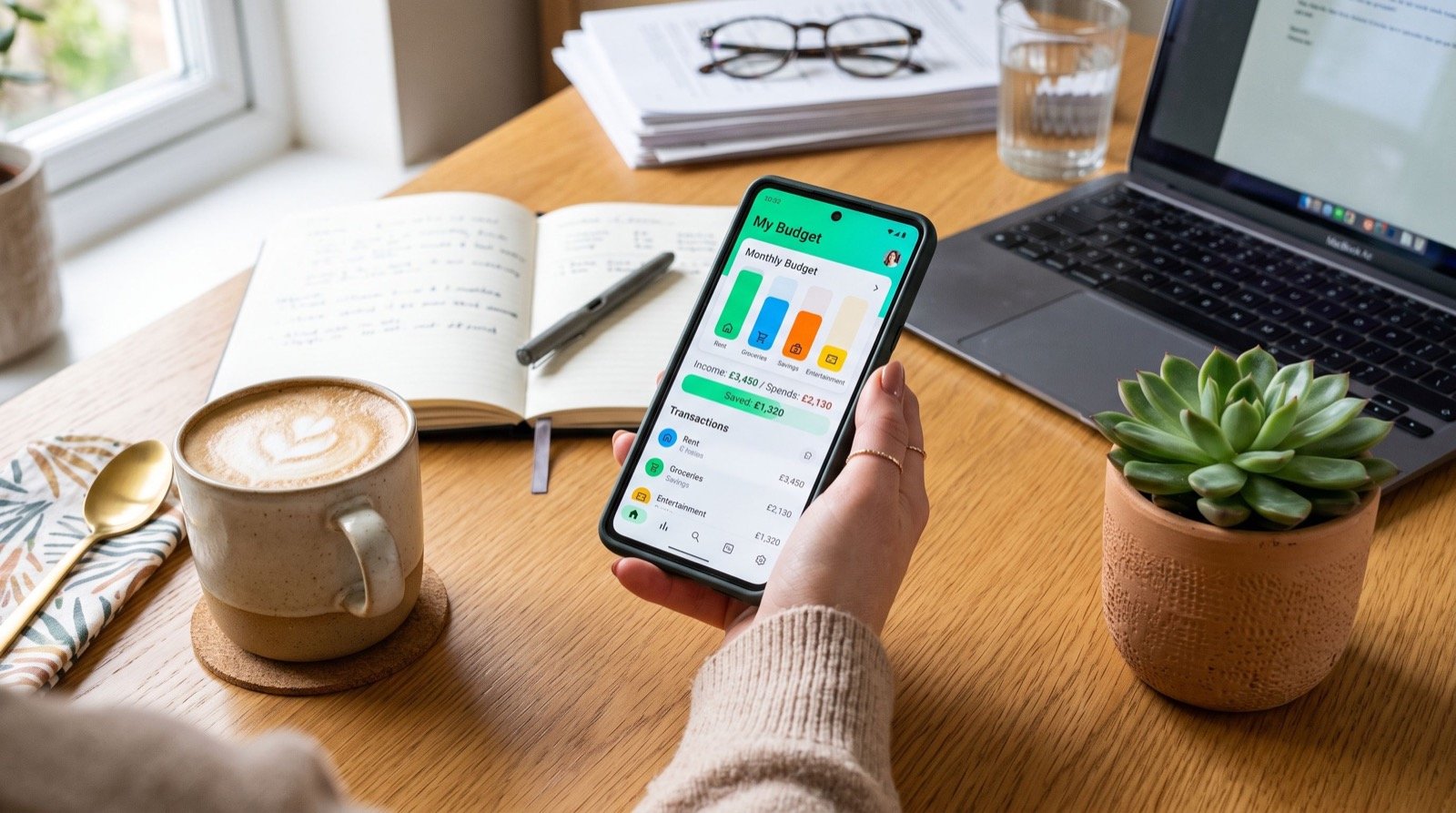
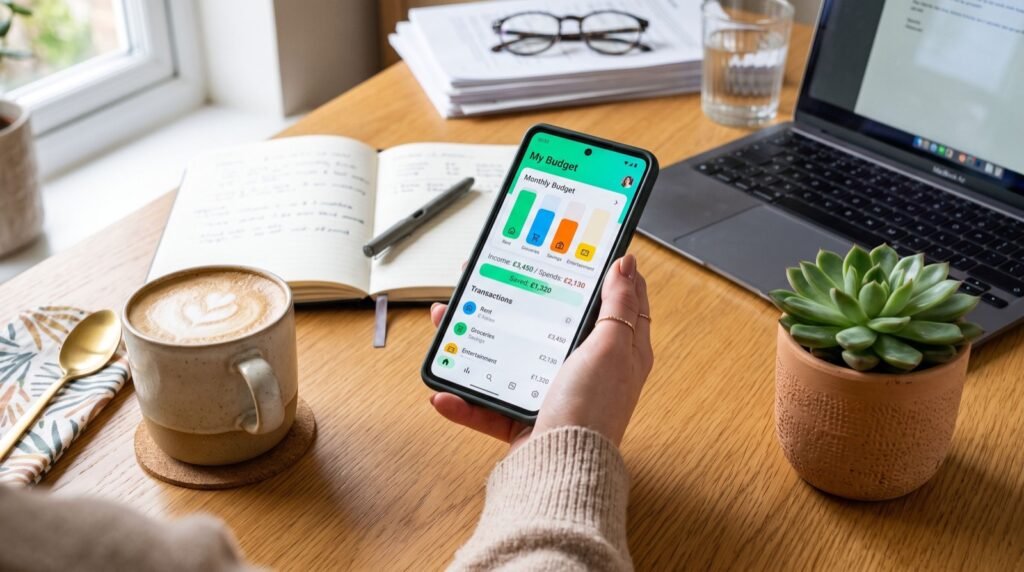
Start here. A budgeting app is the hub of your financial life, showing income, spending, and progress toward goals in one view. Many use the zero-based or envelope method to give every dollar a purpose.
Look for one that connects to all your accounts, lets you set category limits, and nudges you before you overspend. The goal is a five-minute weekly check-in, not hours of manual entry.
Payment and Money-Transfer Apps
Peer-to-peer payment apps handle the social side of money — splitting rent, paying a friend, or collecting for a group gift. They are fast, but fees and limits vary, so learn the rules of whichever you choose.
Cash App is a favorite because it bundles payments, a debit card, and simple investing. This step-by-step Cash App guide explains setup, fees, and safety so you never pay more than you should.
| App type | Best for | Watch out for |
|---|---|---|
| Budgeting | Tracking and planning | Sync errors, subscription cost |
| Payments (P2P) | Sending and splitting cash | Instant-transfer fees, scams |
| Savings | Auto-saving and round-ups | Low rates on uninsured balances |
| Investing | Index funds and shares | Trading fees, market risk |
Savings and Investing Apps
Savings apps automate the hardest habit: actually setting money aside. Round-up features sweep spare change into a buffer, while recurring transfers build your emergency fund on autopilot.
Investing apps then put that money to work. Many offer fractional shares, so you can start with a few dollars. Before you pick one, review the fee schedule and read the plain-language basics at Investor.gov so you understand risk and compounding.
- Automate a weekly transfer into savings.
- Turn on round-ups for painless micro-saving.
- Route a fixed amount into a low-cost index fund.
- Increase the amount every time you get a raise.
Which Money Apps Do I Actually Need?
You do not need twenty apps — you need a small, intentional stack. Most people are well served by three: one to budget, one to pay, and one to invest. Adding more often creates clutter and forgotten subscriptions.
Original tip: run a 15-minute “app audit” every quarter. Delete any tool you have not opened in 30 days, confirm each still has a clear job, and check that no free trial has quietly turned into a paid plan. A lean stack is easier to trust and secure.
If you want a tailored recommendation, a group of reliable local experts can review your habits and suggest the right combination for your goals.
Keep Your Money Apps Secure
Convenience means nothing if your accounts get hacked. Treat security as part of the setup, not an afterthought. The Consumer Financial Protection Bureau warns that funds in some apps may lack the deposit insurance banks provide, so do not store large balances in them.
- Use a unique, strong password for every app.
- Enable biometric or PIN locks.
- Turn on transaction alerts to catch fraud instantly.
- Sweep large balances to an insured bank account.
How to Set Up Your App Stack in One Evening
You can build a complete money-app toolkit in a single evening. The trick is to go in order, finishing one layer before starting the next so nothing feels overwhelming.
- Pick your budgeting hub first and connect every account so you see the full picture.
- Add a payment app for sending cash and splitting bills, and verify your identity to unlock higher limits.
- Set up a savings tool with an automatic weekly transfer and round-ups turned on.
- Open an investing app and schedule a recurring contribution, even if it starts small.
- Lock everything down with unique passwords, biometrics, and transaction alerts.
By the end of the night, your money moves on autopilot. From there, your only job is the weekly five-minute review and the quarterly audit.
Match the App to Your Money Goal
The “best” app depends entirely on what you are trying to achieve. Chasing features you will never use just adds clutter, so start from your goal and work backward to the tool.
- Goal: stop overspending. Lead with a strict budgeting app and daily alerts.
- Goal: pay down debt. Choose a tracker that shows payoff timelines and interest saved.
- Goal: save for a trip or home. Use a savings app with named goals and auto-transfers.
- Goal: grow wealth. Prioritize a low-fee investing app with recurring contributions.
Revisit your goals each quarter. As your priorities change, your app stack should evolve with them rather than growing into a graveyard of unused tools.
Frequently Asked Questions
Are money apps safe to use?
Reputable apps use bank-level encryption and offer two-factor authentication, making them safe when you follow good habits. Use strong passwords, enable alerts, and avoid keeping large uninsured balances in payment apps.
Do I have to pay for the best money apps?
Not always. Many excellent budgeting, payment, and investing apps are free. Some charge a small monthly fee for premium features; pay only if the extra tools clearly save or earn you more than they cost.
How many money apps should I use?
Three is a solid target: one for budgeting, one for payments, and one for saving or investing. A lean stack is easier to manage, cheaper, and more secure than a phone full of overlapping tools.
Can money apps actually help me save?
Yes. Automation is their superpower. Round-ups, scheduled transfers, and spending alerts remove willpower from the equation, so you save consistently without thinking about it.
Conclusion: Build Your Stack Today
The best money apps do not just track your cash — they change how you behave with it. Choose one budgeting app, one payment app, and one savings or investing app, lock them down with strong security, and let automation carry you toward your 2026 goals. Start small and build from there. Ready to assemble your toolkit? Explore detailed reviews and guides at WalletWisp and take control of your money today.